Techasoft Alumni Web Application Features
How it works ?
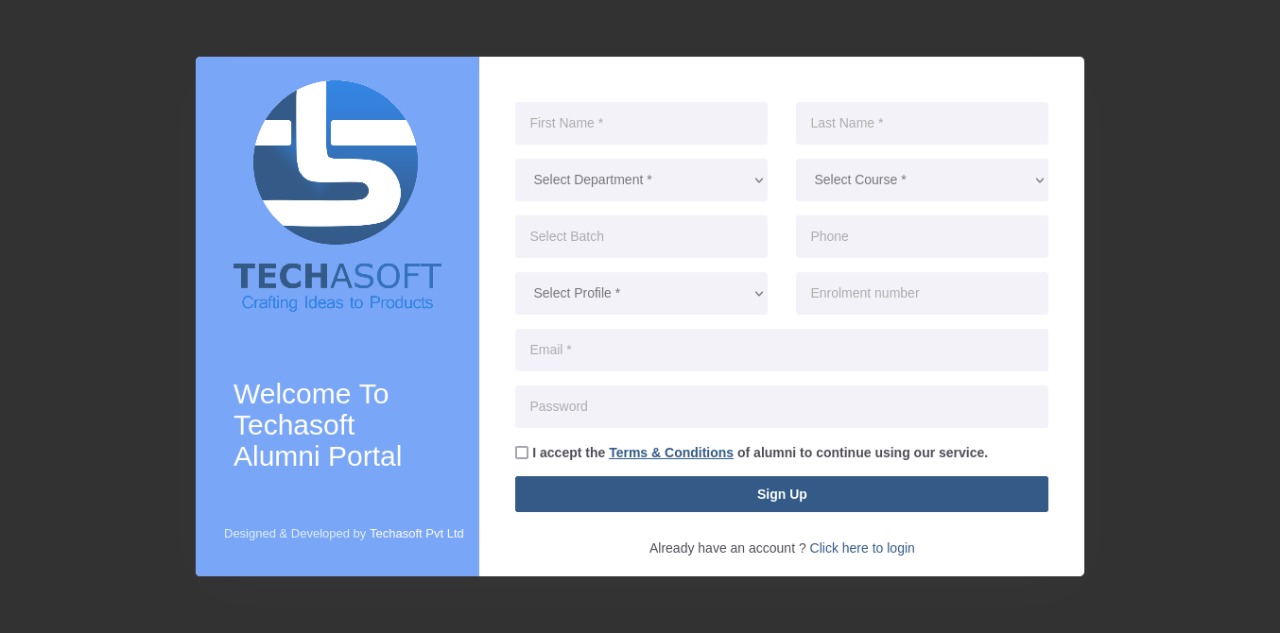
Register NowSign Up
- Create the Account using User details and Education Details
- Terms and conditions are accepted by clicking the check box.
- Once Sign up into the application. User will receive the credentials Email
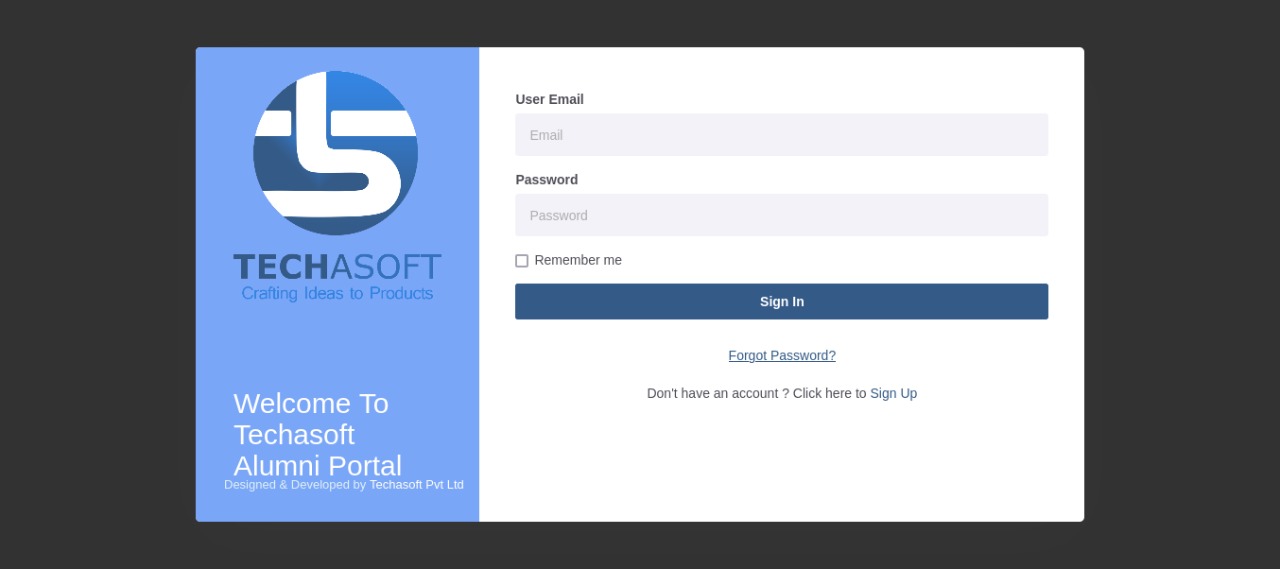
Sign In
- Enter your email ID and your password to login to the home page of the website
- Show password option
- Forgot password option
- Remember me option
Home Screen
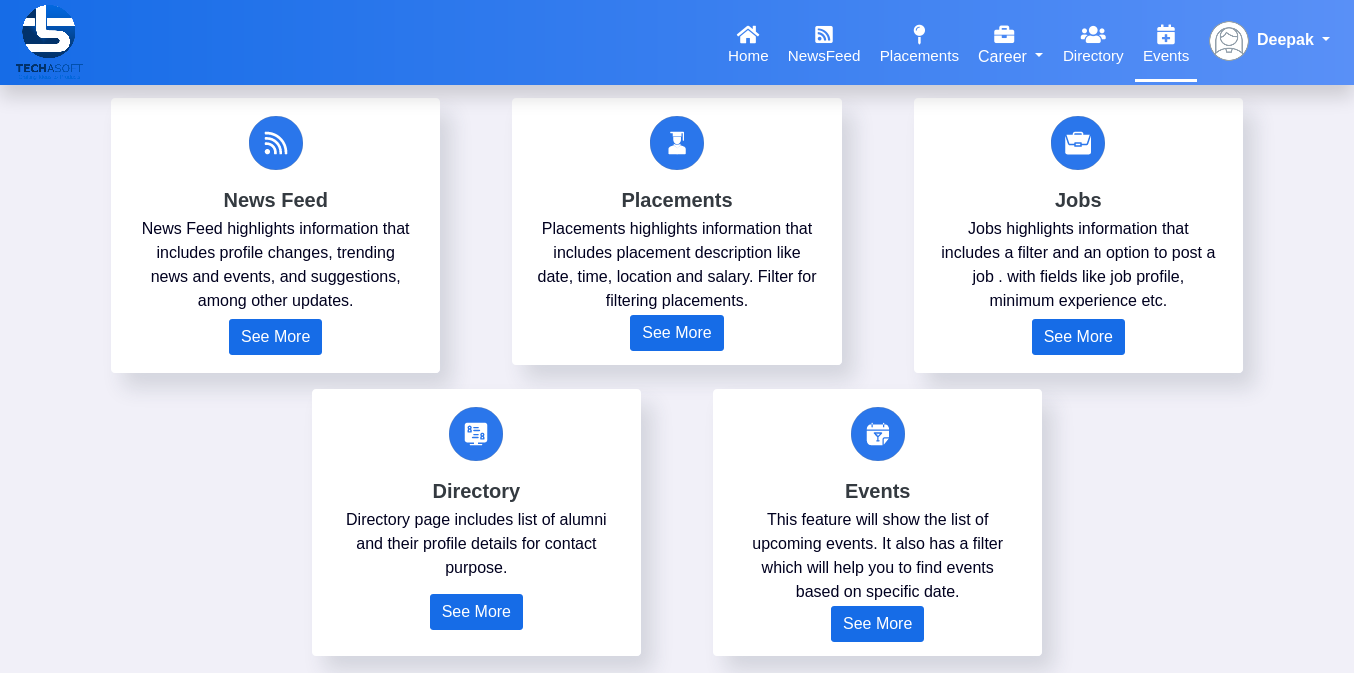
- Detailed explaination of all alumni features
- When we Click on the features card or see more button. It will displays the details of features and we can add the details or view the details
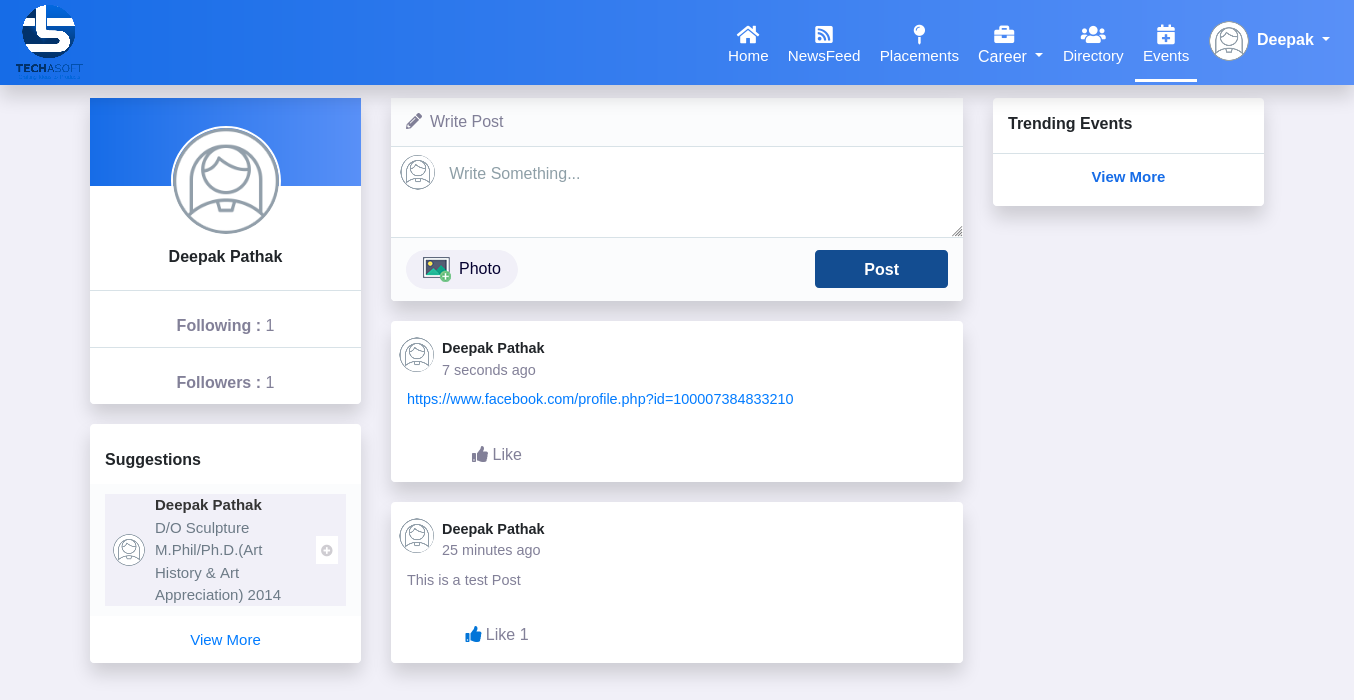
NewsFeed Option
- Profile changes Option
- Suggestions Option
- Post Option( add image option, like Option)
- Follow the other Alumni, Student, Faculty
- view the trending news and events
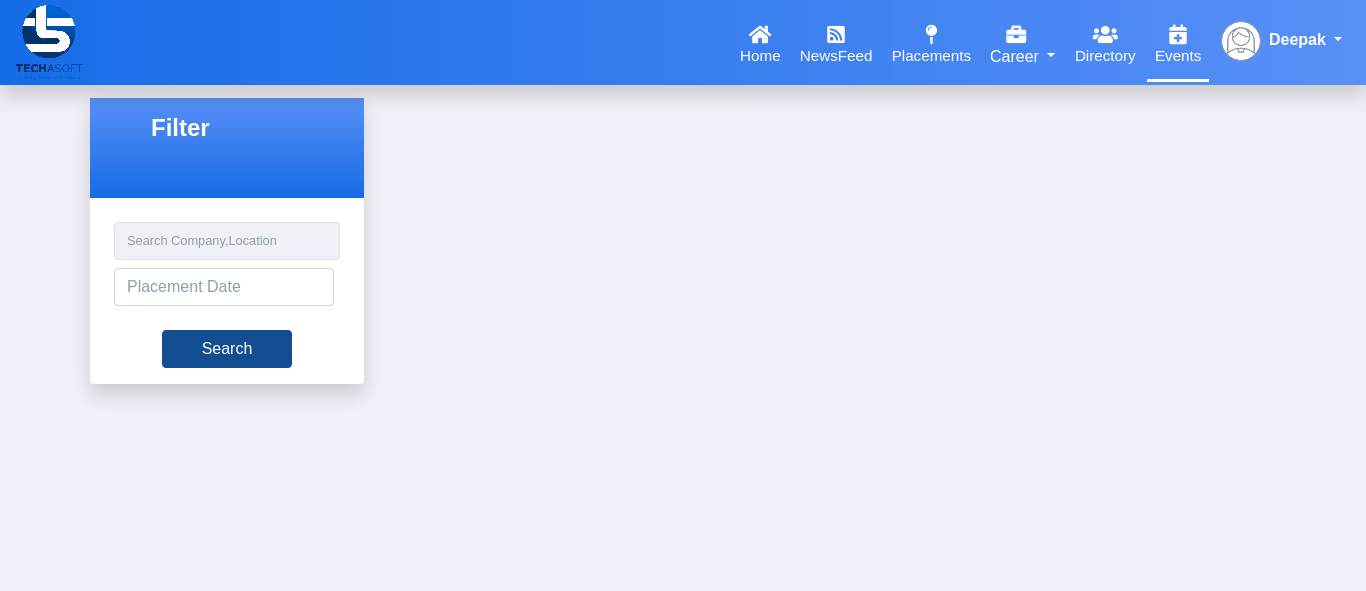
Placements Option
- Search the Company name and Place, Placement date
- View the Details of Placement details
- Filter for filtering the placements
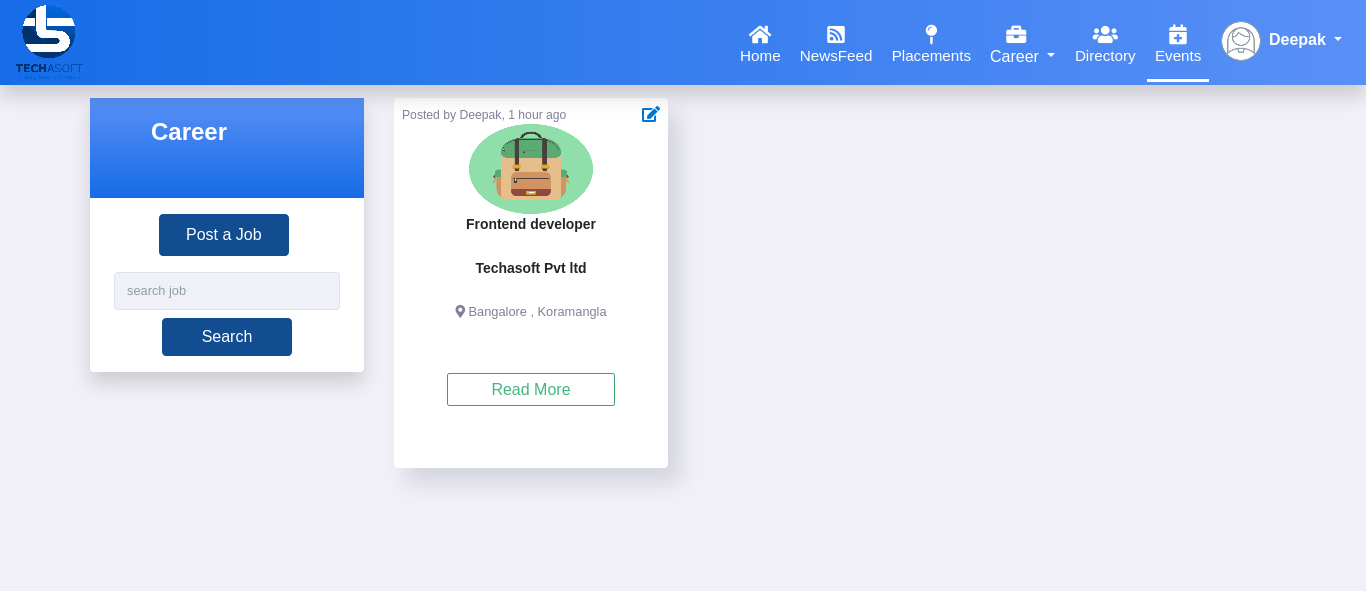
Career Option
- Post job option
- Career Filter option
- Edit post job option
- View the details of job profiles
- Mentorship Form Option
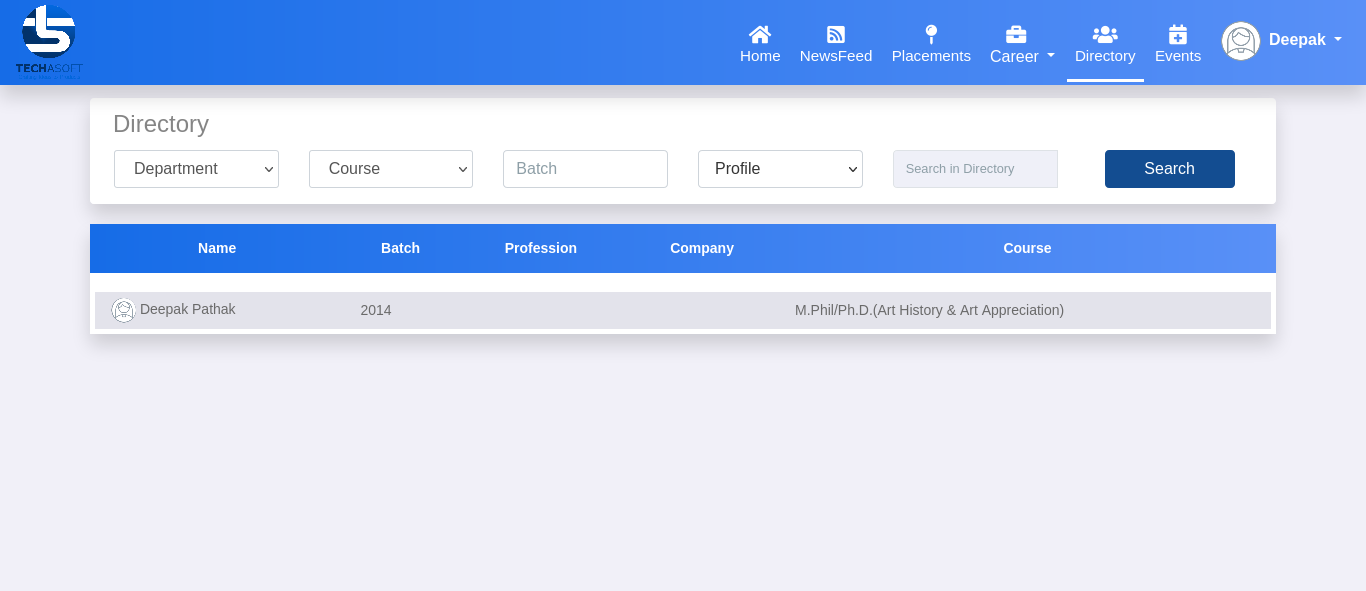
Directory Option
- View the list of alumni
- View the other alumni profile for contact purpose
- Filter Option(department, course, batch, profile, directory)
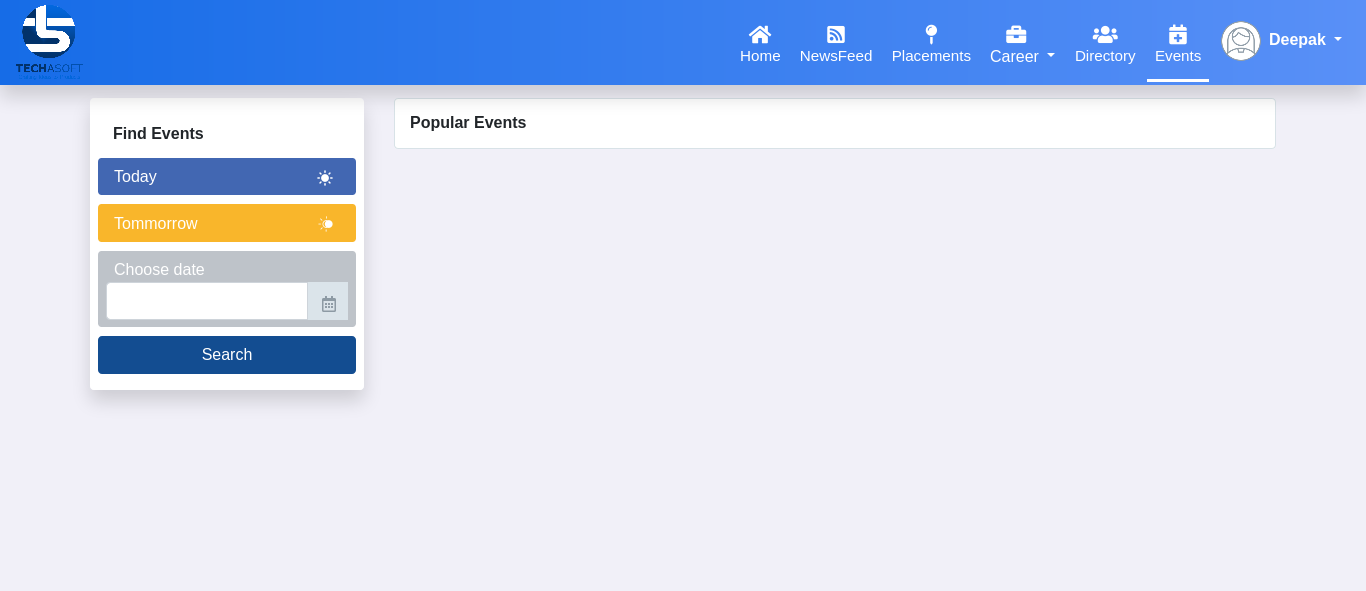
Events Option
- View the list of upcoming events
- Filter Option (find events based on Specific date)
Profile Option
- Edit profile option
- Profile settings option
- Change Password option
- Send feedback option
- Alumni membership form(Alumni card)option