Techasoft Alumni App Features
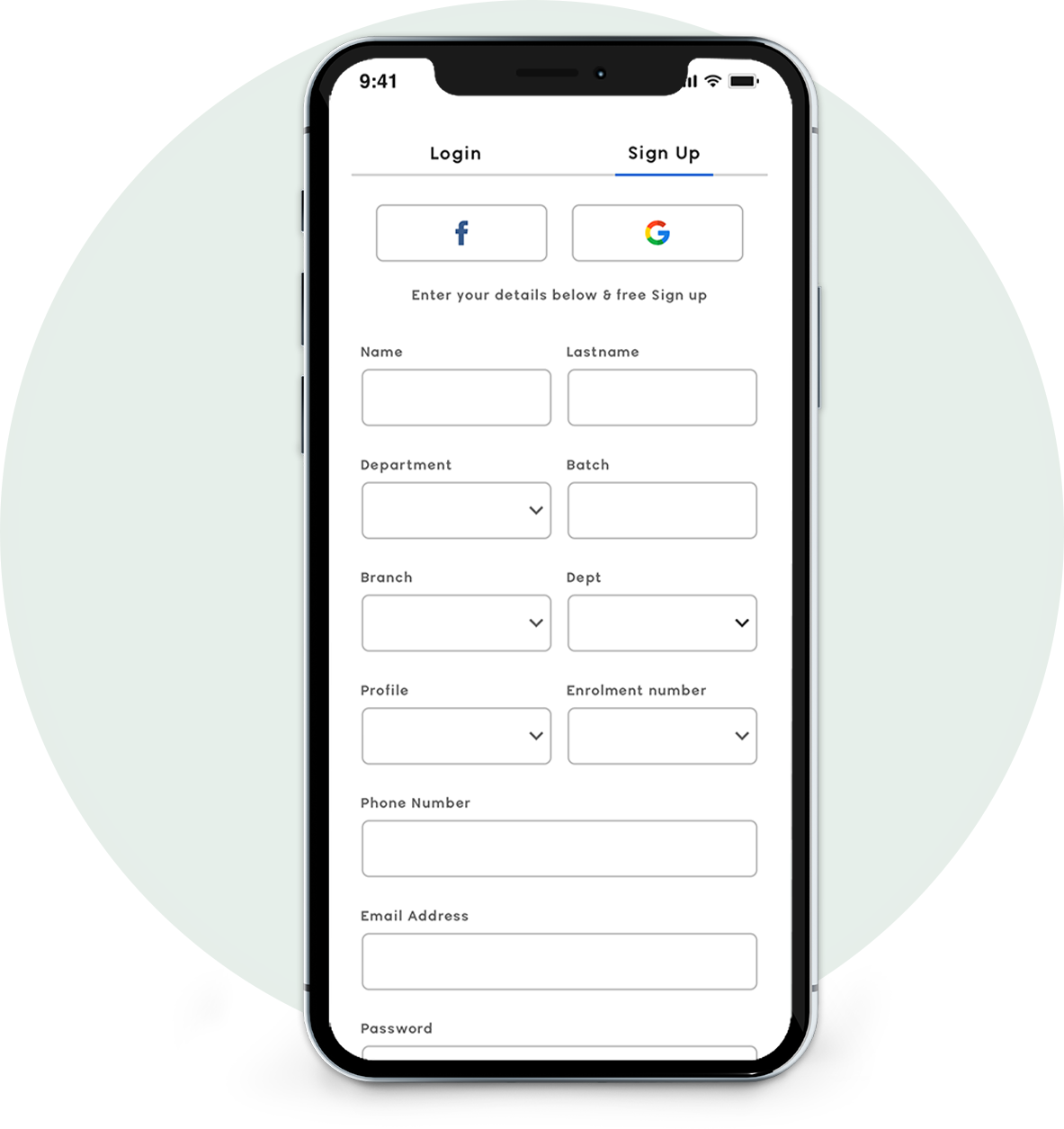
Sign Up
- Create the Account using user details and education Details
- Create the Account using facebook and gmail
- Click on login button it will display login screen
- Terms and conditions are accepted by clicking the check box.
- Once Sign up into the application. User will receive the credentials Email
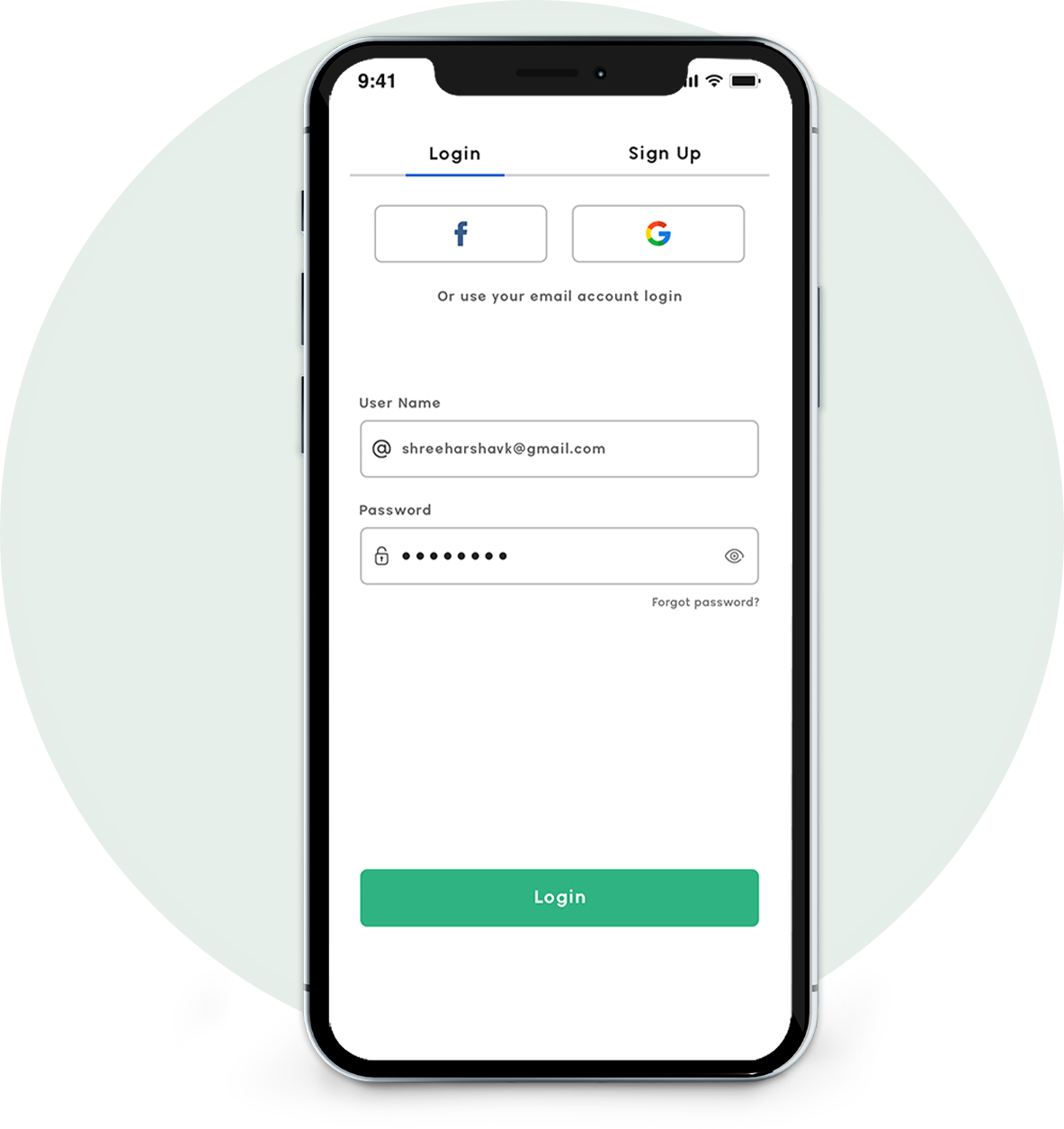
Sign In
- Enter your email ID and your password to login to the App
- Create the Account using facebook and gmail
- Show password option
- Forgot password option
- Remember me option
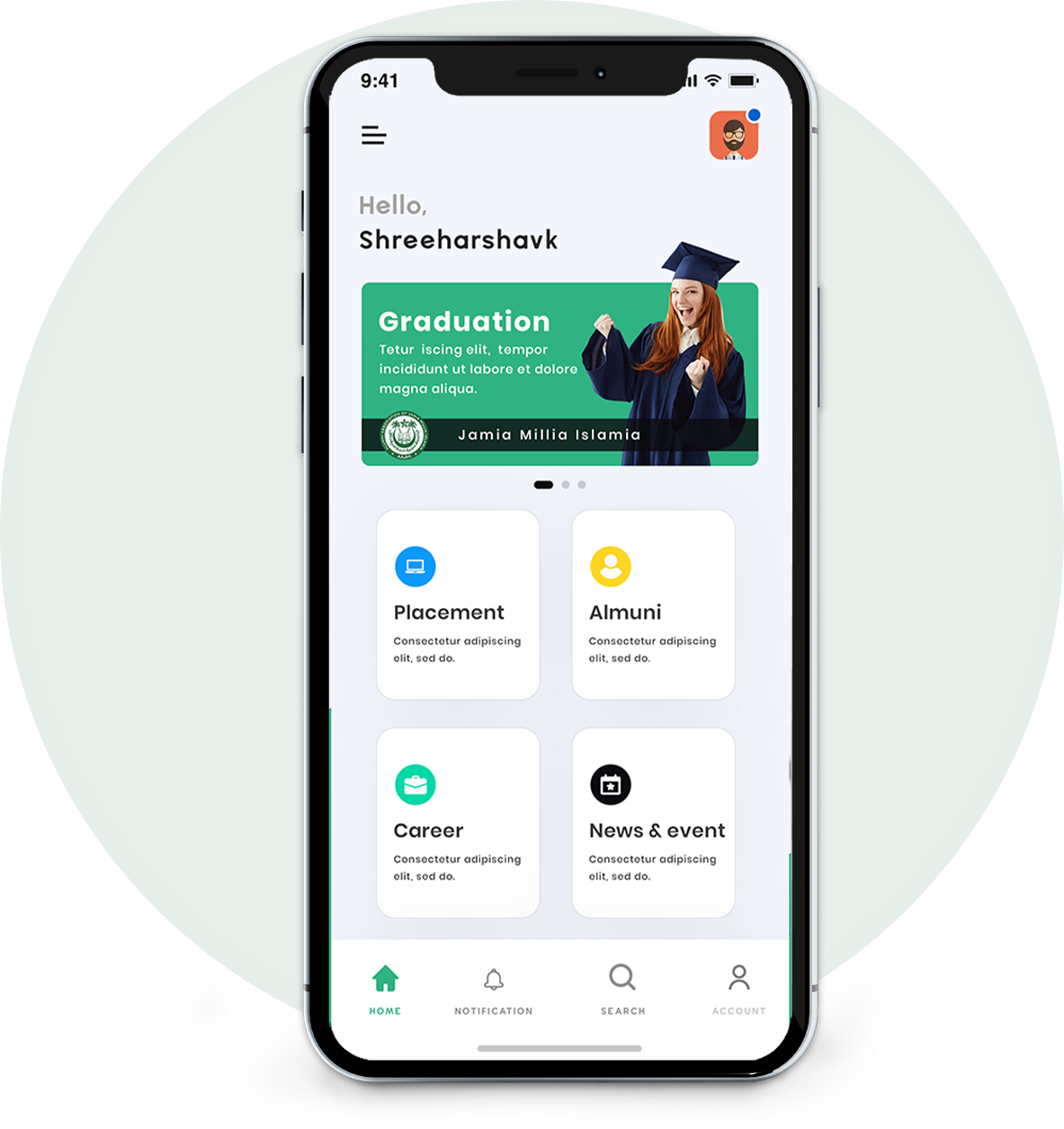
Dashboard
- Detailed explaination of all alumni features
- When we Click on the features card or see more button. It will displays the details of features and we can add the details or view the details
- Profile option
- Notification Option
- Search Option
- Account Option
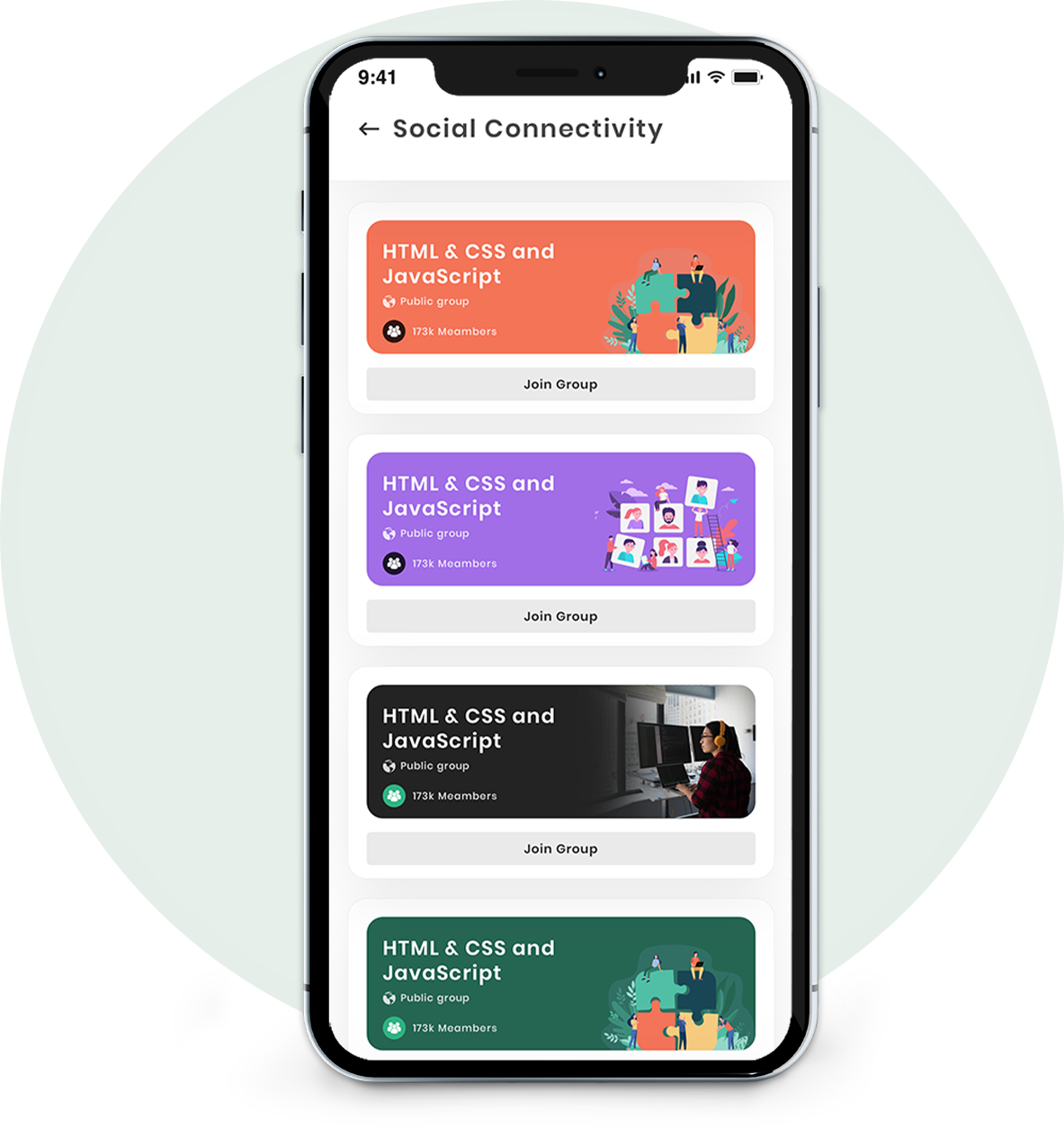
Social Connectivity
- View the recent Updates of group
- Join the social group option
- Share the link to other members
- View the members count
- View the group status whether it is private or public
Account
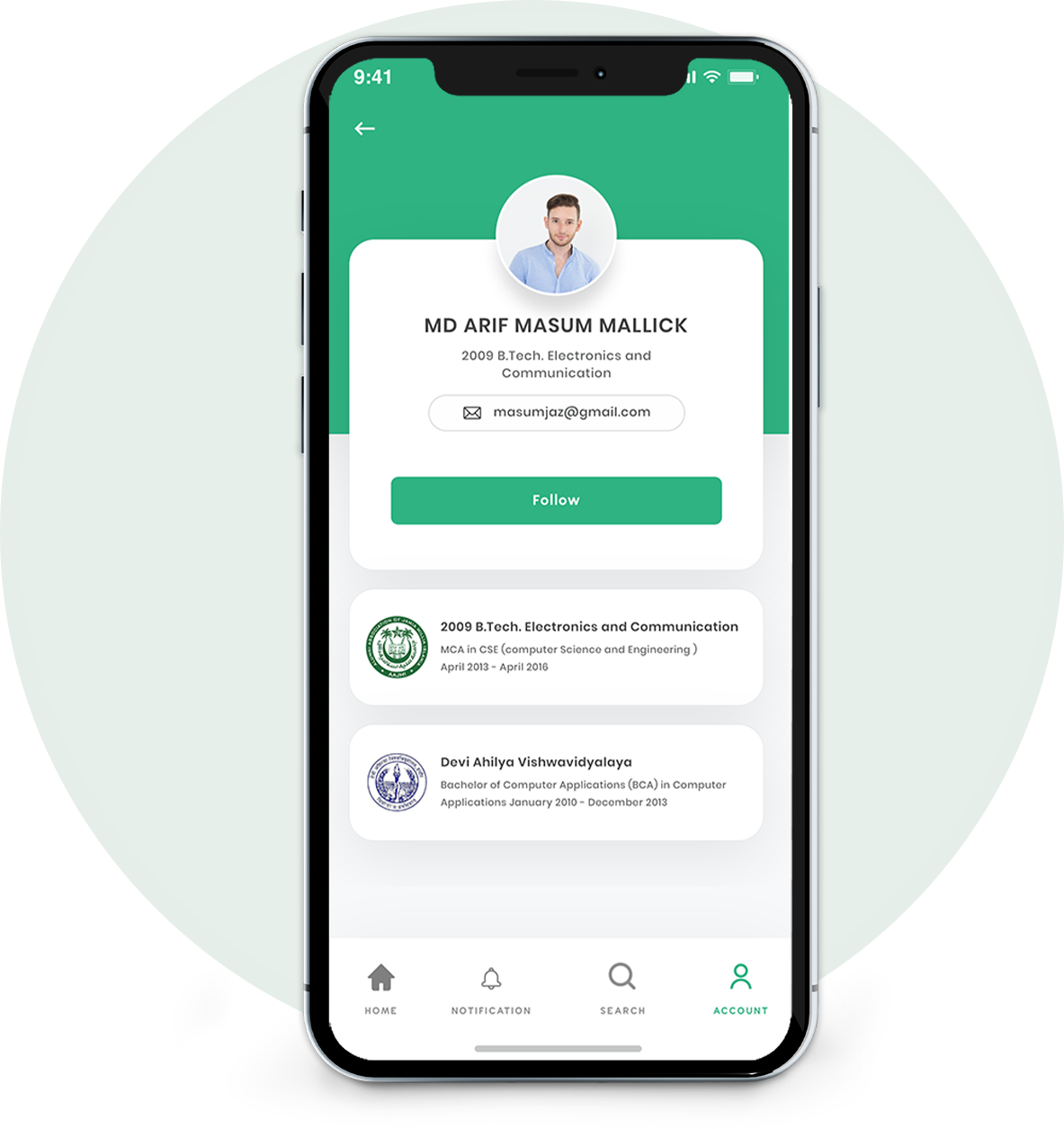
- Add the Profile Image
- View the members education details
- Follow the alumni members
- Edit profile option
- Update Profile Option
- Change Password option
- Send feedback option
- Alumni membership form(Alumni card)option
Career
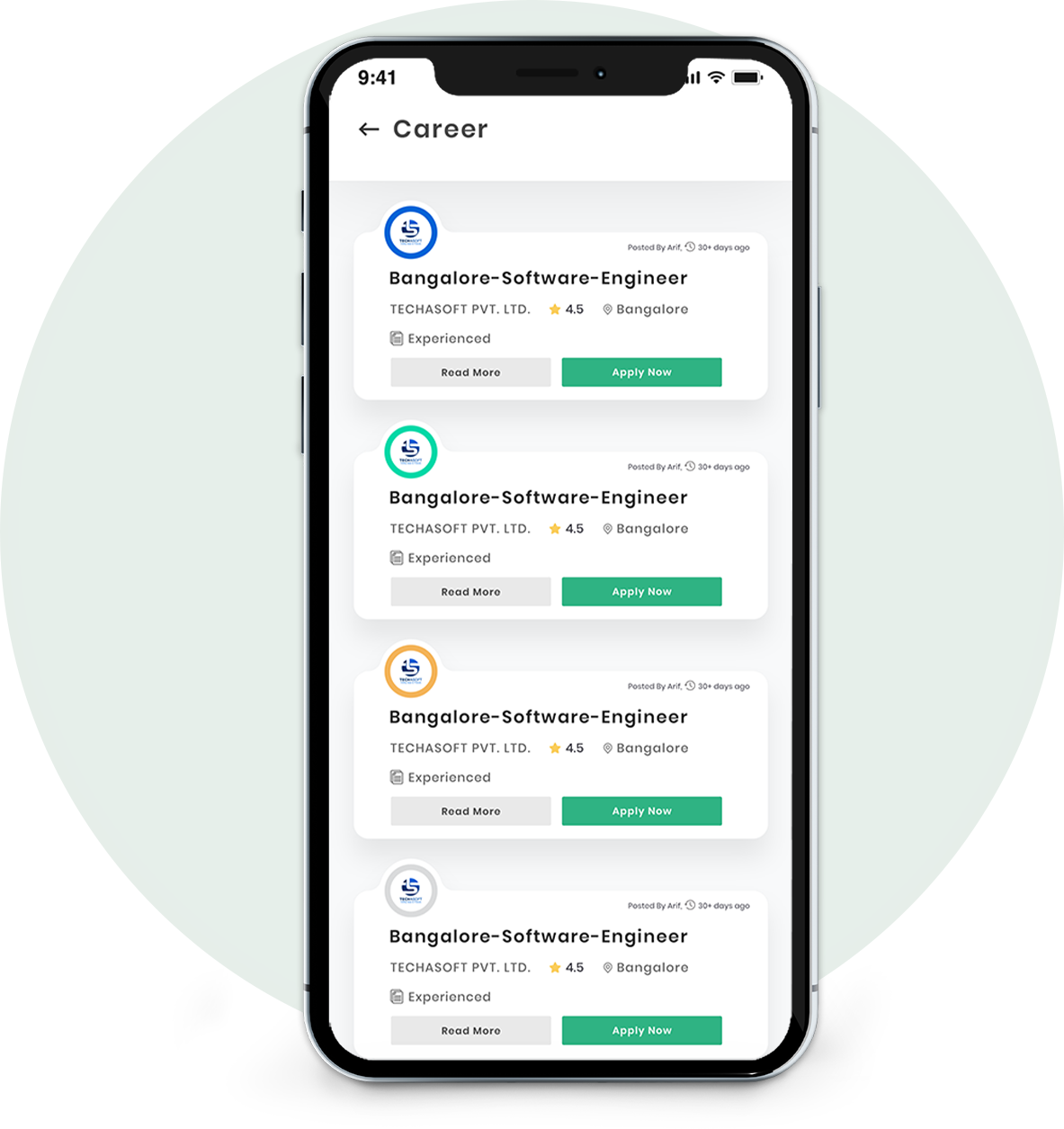
- Post job option
- Apply job option
- Edit post job option
- View the details of job profiles
- View the job Posted day, ratings and locations, company name
Placement
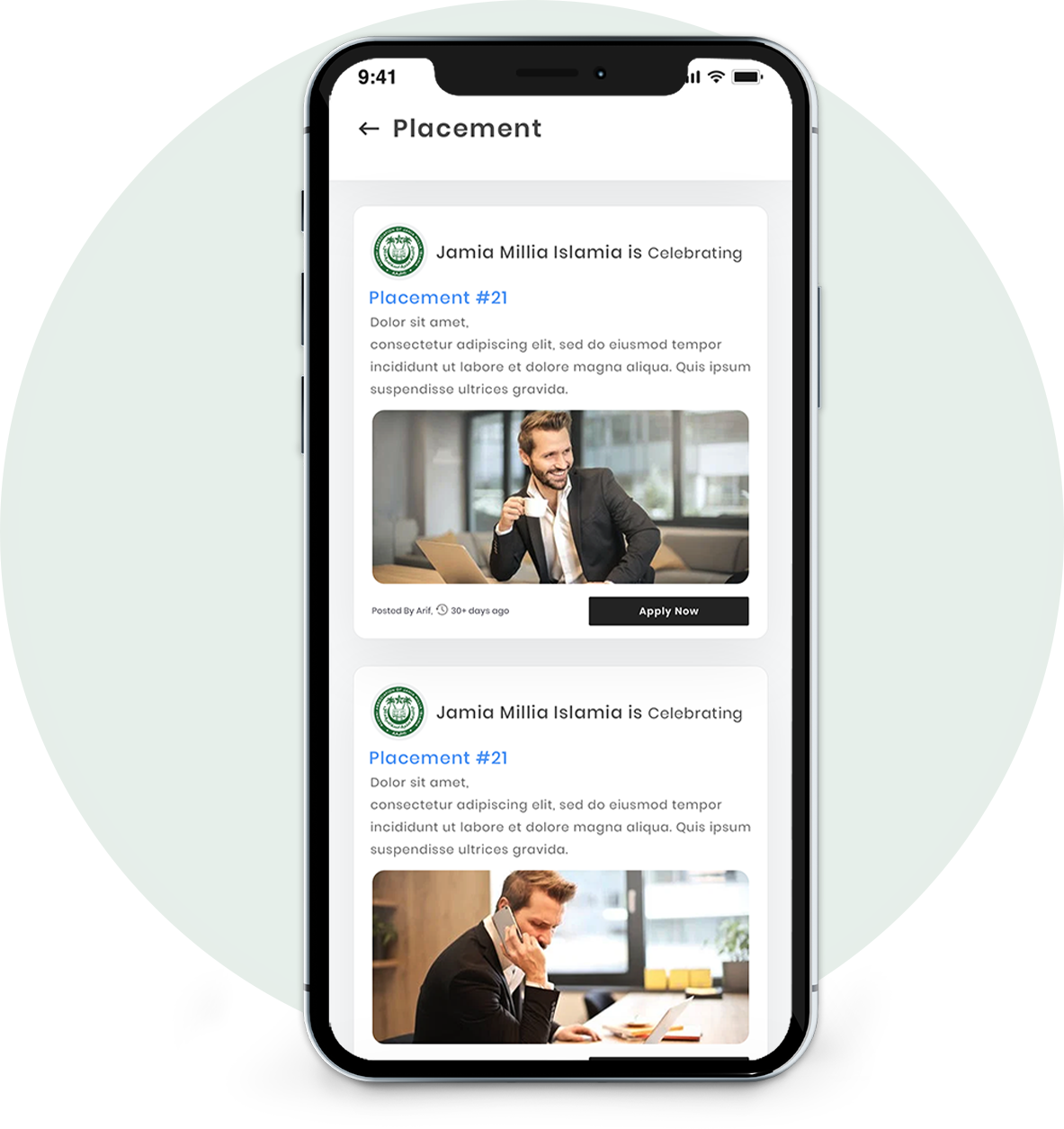
- Search the Company name and Place, Placement date
- View the Details of Placement details
- Apply now option
- View the posted day
Alumni
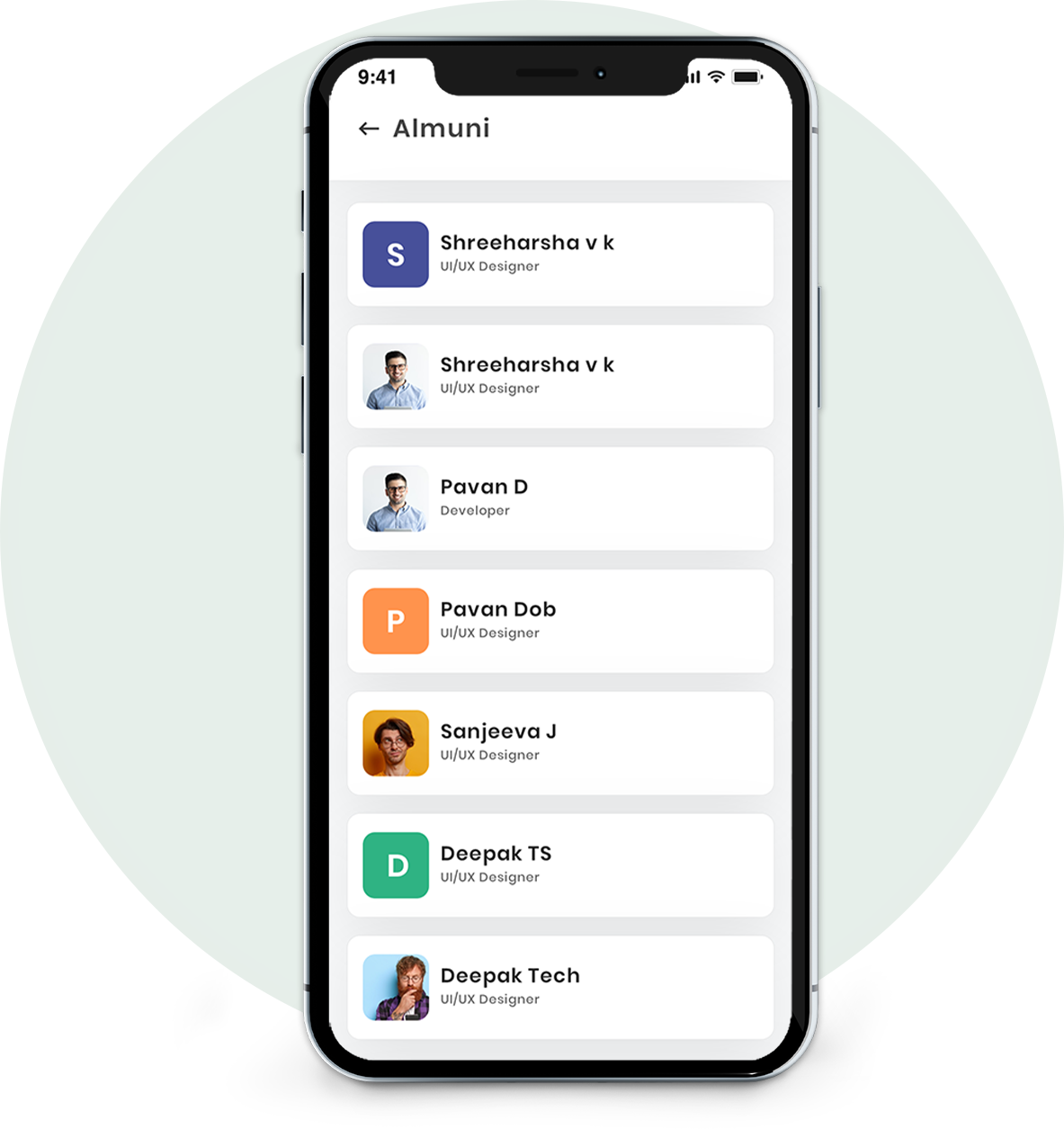
- View the alumni members list
- View the details of alumni
- Search the other alumni members
- Follow the other alumni members
News & Events
- View the list of upcoming events and news
- Filter Option (find events based on Specific date)
- View the interested peoples count
- View the news details
- Share the news and events to other alumni members